



Essential Audio for Daily Use
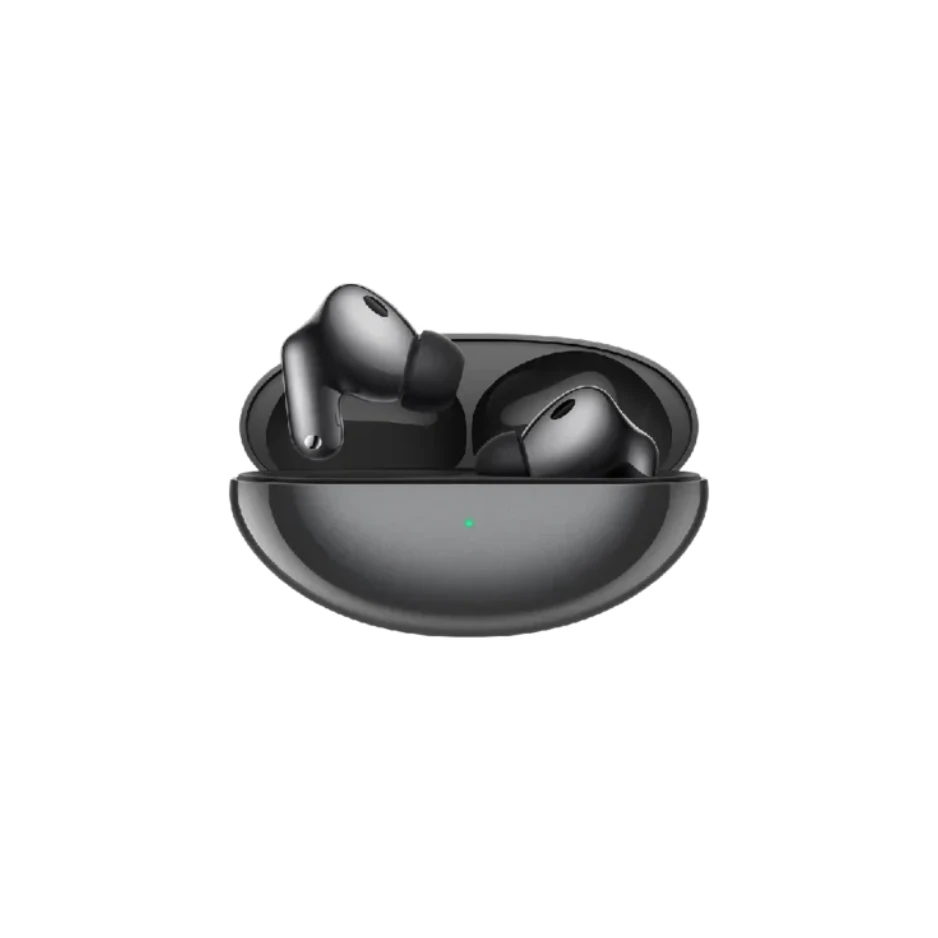
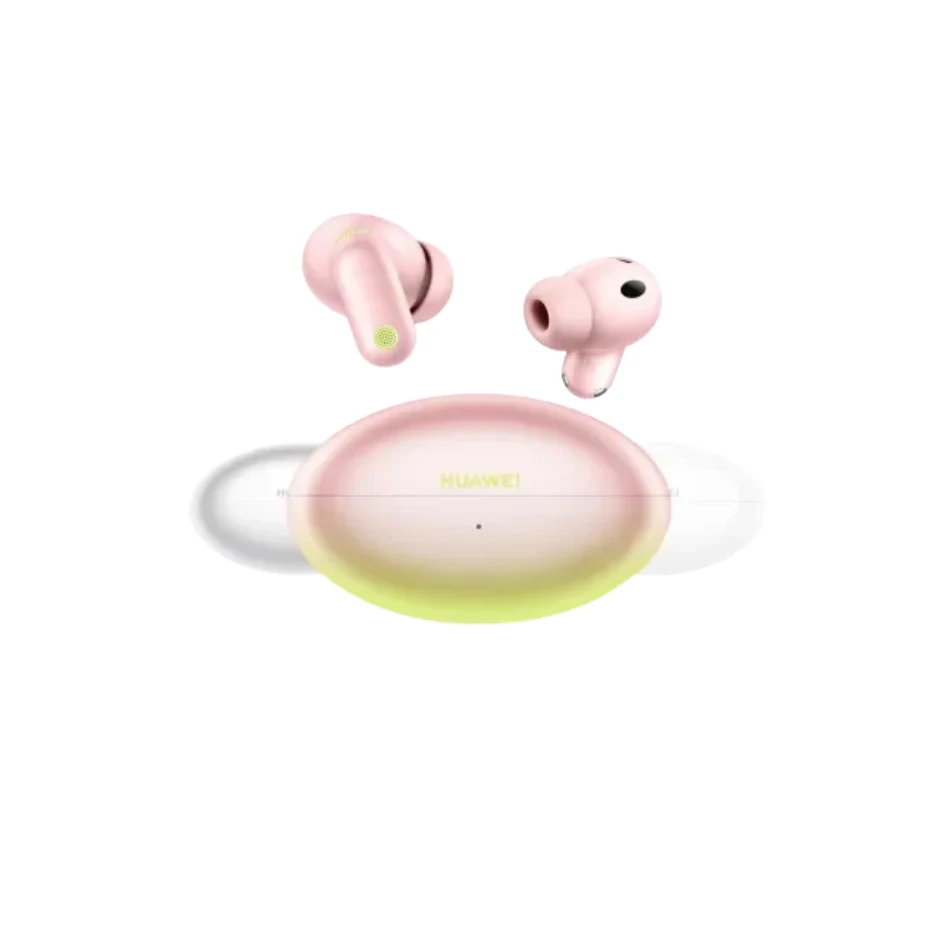
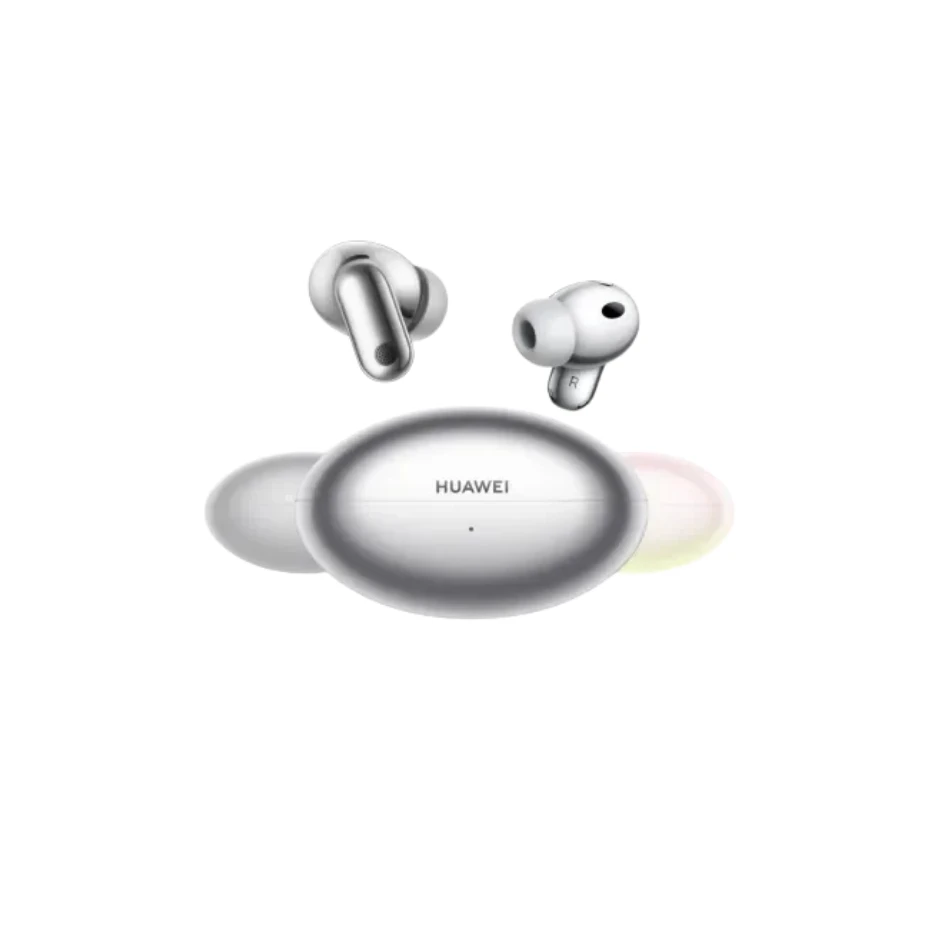
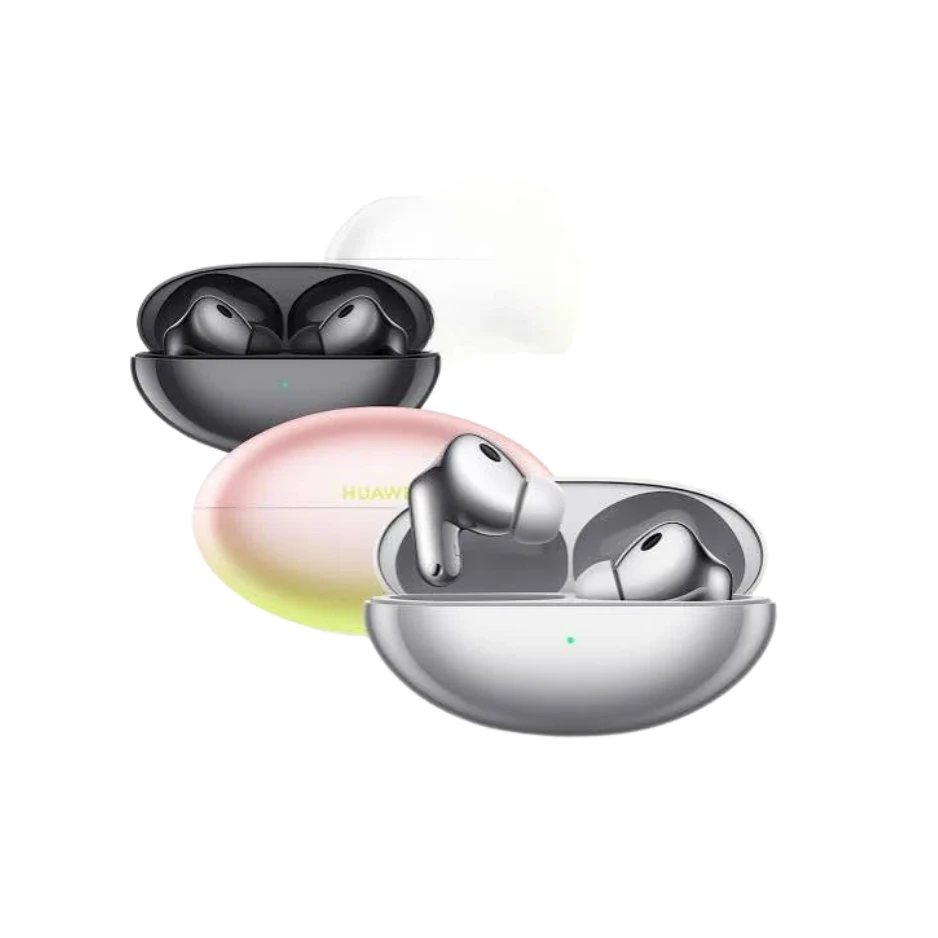
The HUAWEI FreeBuds Neo represent a balanced approach to true wireless audio, focusing on reliable connectivity, long-lasting battery life, and a comfortable semi-in-ear design. These earbuds are designed for users who require a dependable audio solution for commuting, office work, and casual listening. By prioritizing a lightweight build and stable Bluetooth performance, they address the common need for a versatile audio accessory that fits seamlessly into a busy lifestyle without the bulk or discomfort of traditional over-ear headphones.
Equipped with modern acoustic components and intelligent software integration, the FreeBuds Neo aim to provide a consistent listening experience across various environments. Whether you are taking voice calls in a quiet office or listening to music while walking through a city, the hardware is tuned to deliver clear mids and crisp highs. The open-fit design ensures that users remain aware of their surroundings, making them a safer choice for outdoor activities where situational awareness is necessary.
Key Information
| Brand | HUAWEI |
| Model | FreeBuds Neo |
| Type | Semi-in-ear True Wireless Earbuds |
| Connectivity | Bluetooth 5.3 |
| Compatibility | Android, iOS, Windows, HarmonyOS |
| Charging Interface | USB Type-C |
Core Features and Functionality
The FreeBuds Neo focus on several core areas to enhance the user experience:
- Extended Battery Performance: Designed to last through a full day of activity, the earbuds offer up to 7 hours of continuous playback on a single charge. When used with the compact charging case, the total battery life extends to 40 hours, reducing the frequency of wall-charging.
- AI Noise Cancellation for Calls: To ensure voice clarity during phone calls, the earbuds utilize a dual-microphone system paired with an AI-driven algorithm. This technology distinguishes between human speech and background environmental noise, such as wind or traffic, to keep your conversations audible and professional.
- Stable Connectivity: Utilizing Bluetooth 5.3, the FreeBuds Neo provide a strong, low-latency connection. This is particularly beneficial for watching videos or playing games, as it minimizes the delay between the visual action and the audio output.
- Comfort-First Design: Each earbud weighs approximately 3.8 grams. The semi-in-ear ergonomics are shaped based on extensive ear canal analysis to provide a secure fit without the pressure often associated with silicone ear tips.
- Dust and Splash Resistance: With an IP54 rating, the earbuds are protected against sweat and light rain, making them suitable for exercise and outdoor use in varying weather conditions.
Technical Specifications
Detailed technical parameters for the HUAWEI FreeBuds Neo include:
- Driver: 13mm dynamic driver unit for robust frequency response.
- Frequency Range: 20 Hz to 20,000 Hz.
- Audio Codecs: AAC and SBC support for high-quality streaming across devices.
- Battery Capacity: 41 mAh per earbud; 510 mAh for the charging case.
- Charging Time: Approximately 60 minutes for the earbuds inside the case; 110 minutes for the case via cable.
- Sensors: Hall effect sensor and Capacitive sensor for touch controls.
- Dimensions (Earbuds): 33.9 mm x 18.6 mm x 16.9 mm.
- Dimensions (Case): 48.9 mm x 58.7 mm x 24.3 mm.
Package Contents
The retail packaging includes the following items:
- HUAWEI FreeBuds Neo Earbuds (Left and Right)
- Charging Case
- USB-C Charging Cable
- Quick Start Guide
- Safety Information
- Warranty Card
Usage and Controls
The FreeBuds Neo feature intuitive touch-sensitive areas on the stems, allowing for hands-free operation without reaching for your smartphone. These controls can be customized via the HUAWEI AI Life app available on multiple platforms.
- Double Tap: Play/Pause music or Answer/End a call.
- Triple Tap: Skip to the next track.
- Long Press: Reject an incoming call.
To pair the device for the first time, open the charging case with the earbuds inside and press the function button for two seconds until the indicator light flashes. Select 'HUAWEI FreeBuds Neo' from your device's Bluetooth menu.
Compatibility and Integration
While the FreeBuds Neo work with any standard Bluetooth-enabled device, they offer enhanced features when paired with HUAWEI devices running EMUI or HarmonyOS. These features include proximity pairing pop-ups and seamless switching between two connected devices. Users on other operating systems can still enjoy the full range of audio and touch control features by installing the AI Life app from the official website or respective app stores.
Maintenance and Care
To maintain the longevity of the FreeBuds Neo, it is recommended to:
- Clean the charging contacts on both the earbuds and the case regularly with a dry, lint-free cloth to prevent charging issues.
- Keep the earbuds away from extreme temperatures (below -10°C or above 45°C).
- Ensure the charging port is dry before inserting the USB-C cable.
- Avoid submerging the earbuds in water; the IP54 rating only covers splashes and dust.
Frequently Asked Questions
Can I use only one earbud at a time?
Yes, both the left and right earbuds can be used independently for music and calls. The audio will automatically switch to mono mode when only one earbud is in use.
How do I check the battery level?
The battery level is visible through the Bluetooth settings on your smartphone or via the HUAWEI AI Life app. Additionally, the LED indicator on the case provides a visual cue: green indicates high battery, yellow for medium, and red for low.
Are these earbuds suitable for running?
Yes, the IP54 rating and ergonomic fit make them suitable for jogging and gym workouts. However, they are not designed for swimming or high-impact contact sports.
How do I reset the earbuds?
Place the earbuds in the charging case and leave the lid open. Press and hold the function button on the case for 10 seconds until the indicator light flashes red. The earbuds will then enter pairing mode and return to factory settings.
Do they support multipoint connection?
Yes, the FreeBuds Neo support dual-device connection, allowing you to connect to two devices (such as a laptop and a phone) and switch between them automatically based on audio priority.



Share with Friends
Trading is more effective when you share products with friends!Share you link
Share to